Create, schedule, publish and monitor digital signage across every screen and location — from one powerful cloud platform.
No credit card required · Works with the screens you already own
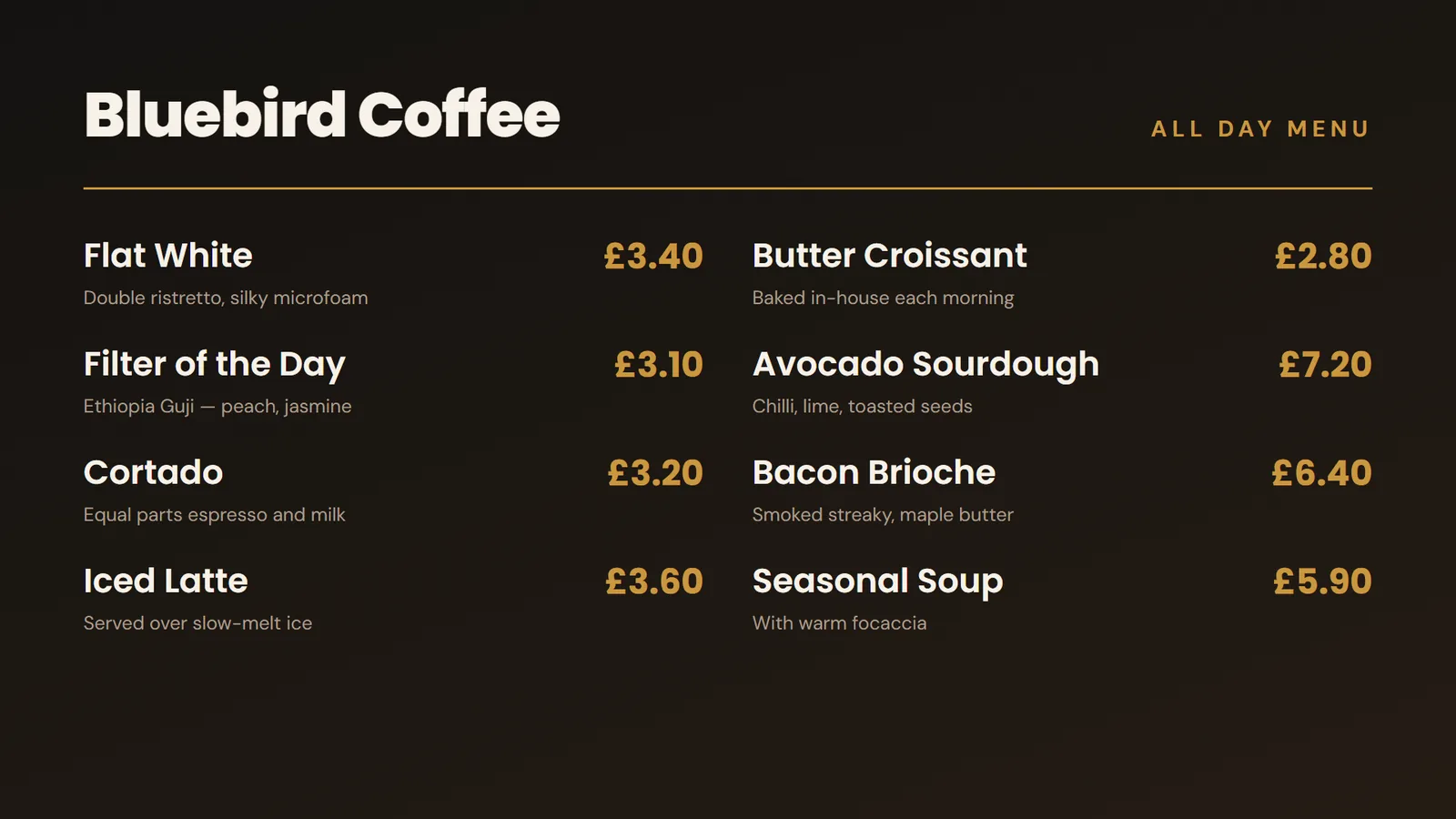 MENU BOARD
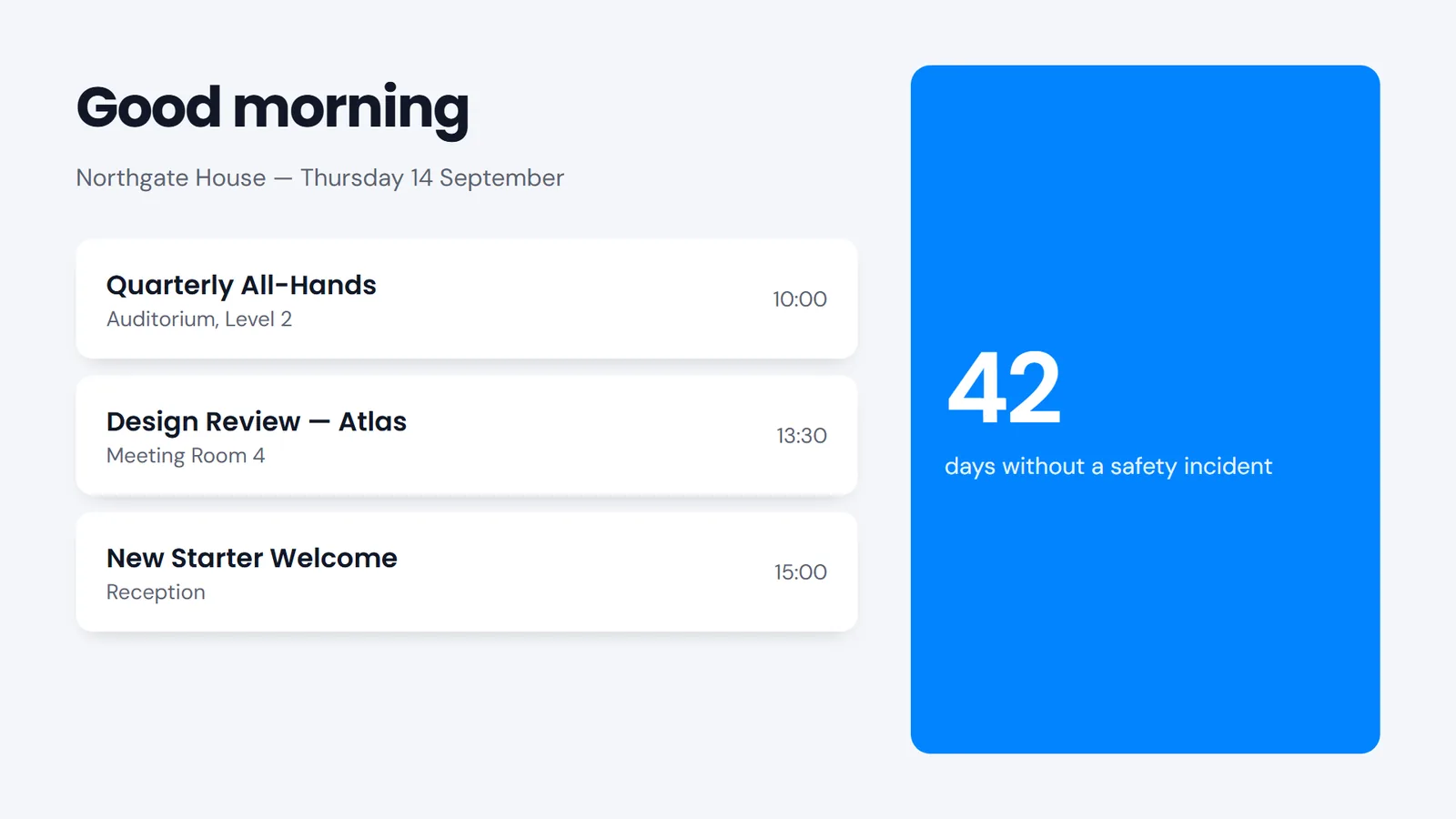 CORPORATE
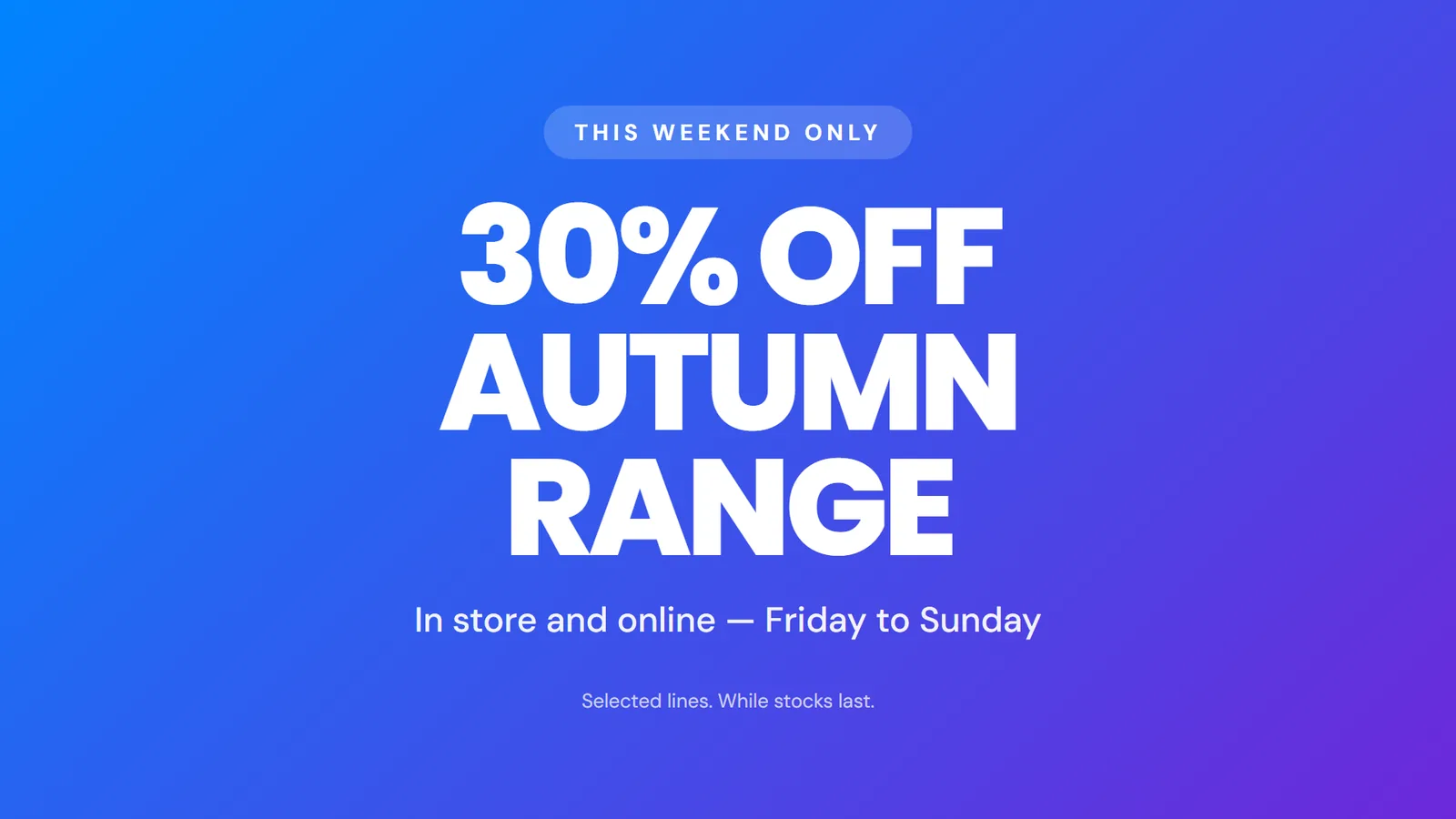 RETAIL PROMO
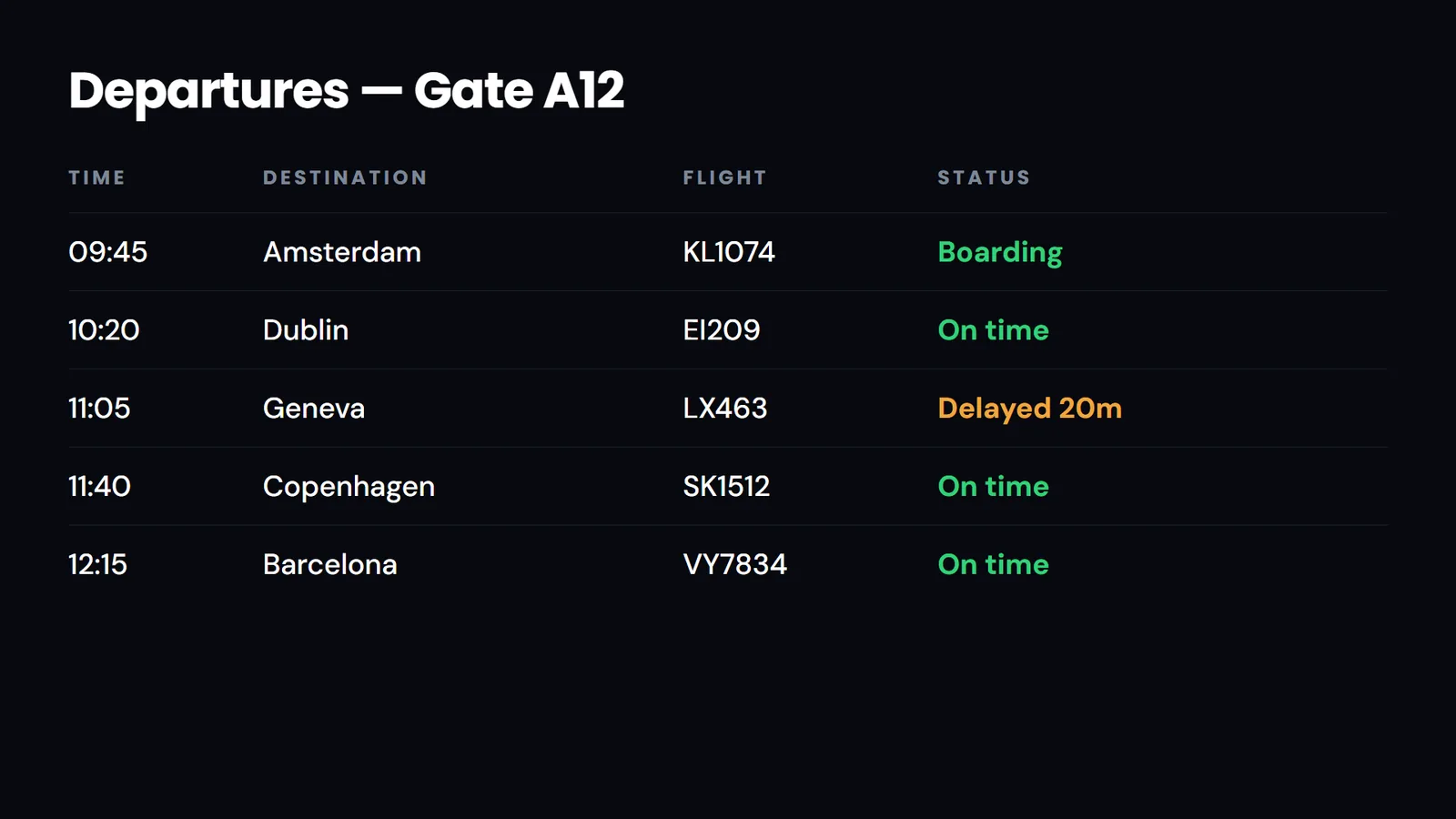 DEPARTURES
No integrator, no professional services engagement. Most customers have their first screen live the same afternoon.
Install the player and pair the screen with a code.
Upload media or build layouts from templates.
Decide what plays where, and at what time of day.
Push to one screen or ten thousand at once.
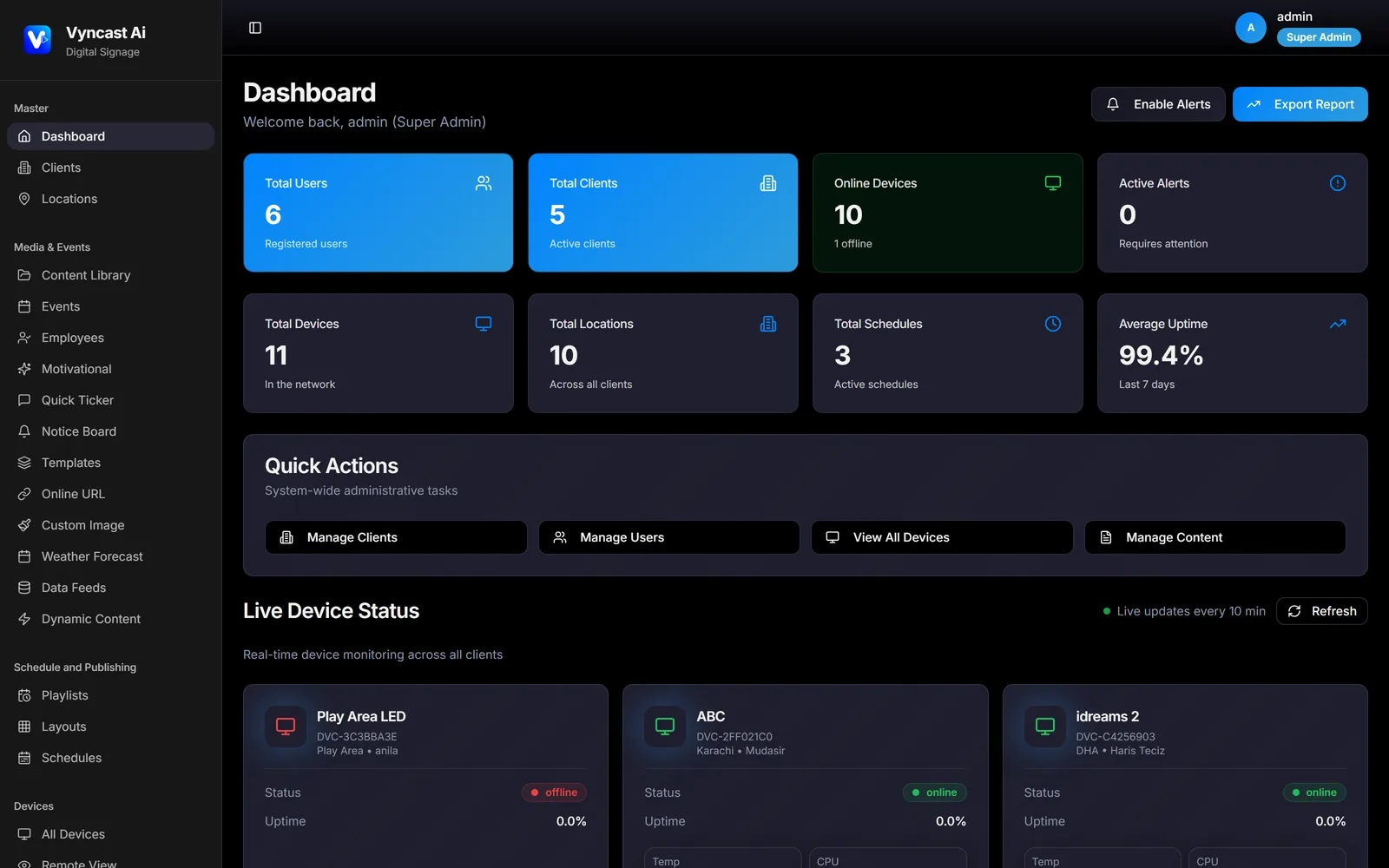
See every screen live and catch failures first.
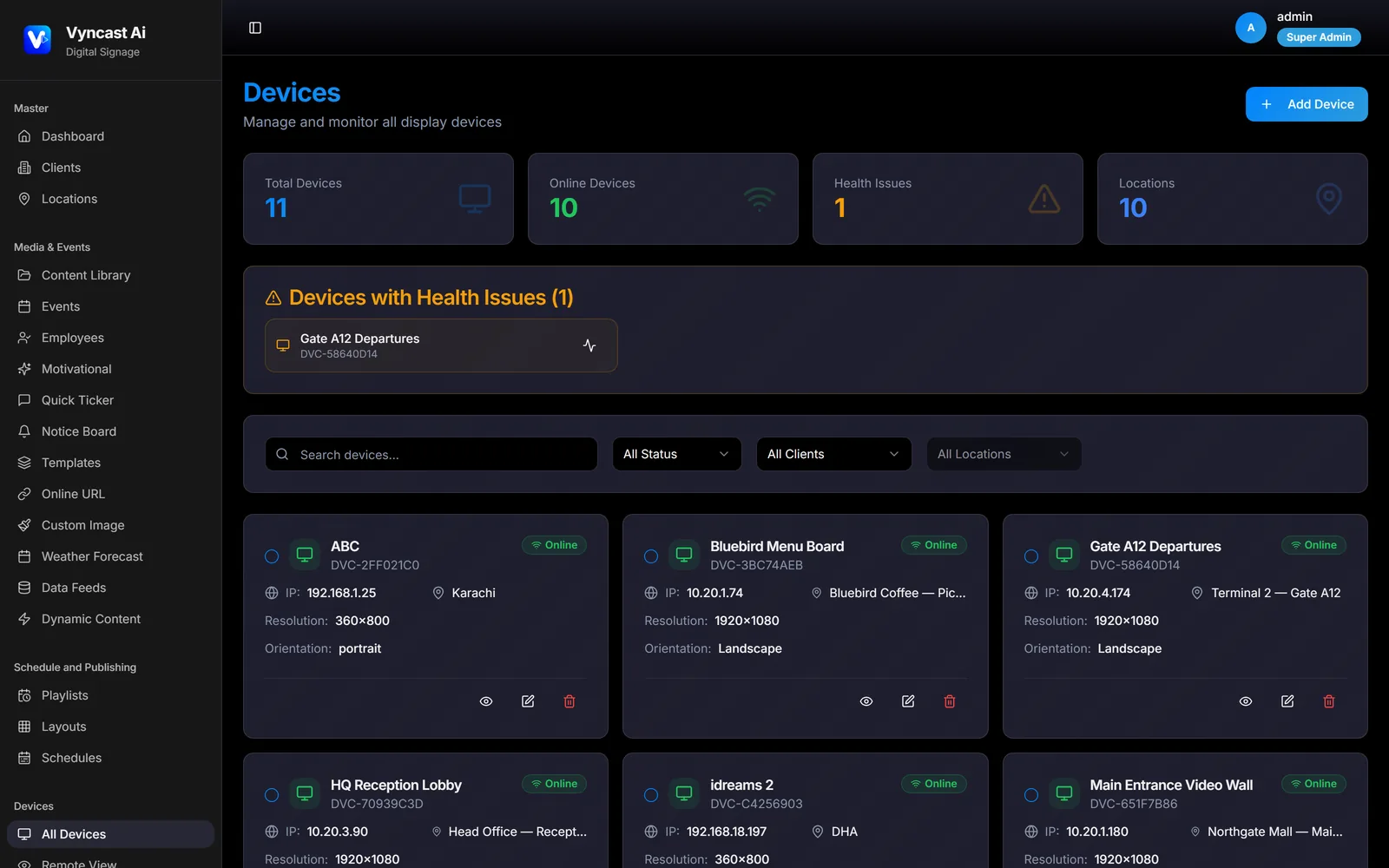
Screens, locations, content, schedules and device health — one login, one view, however many sites you run.
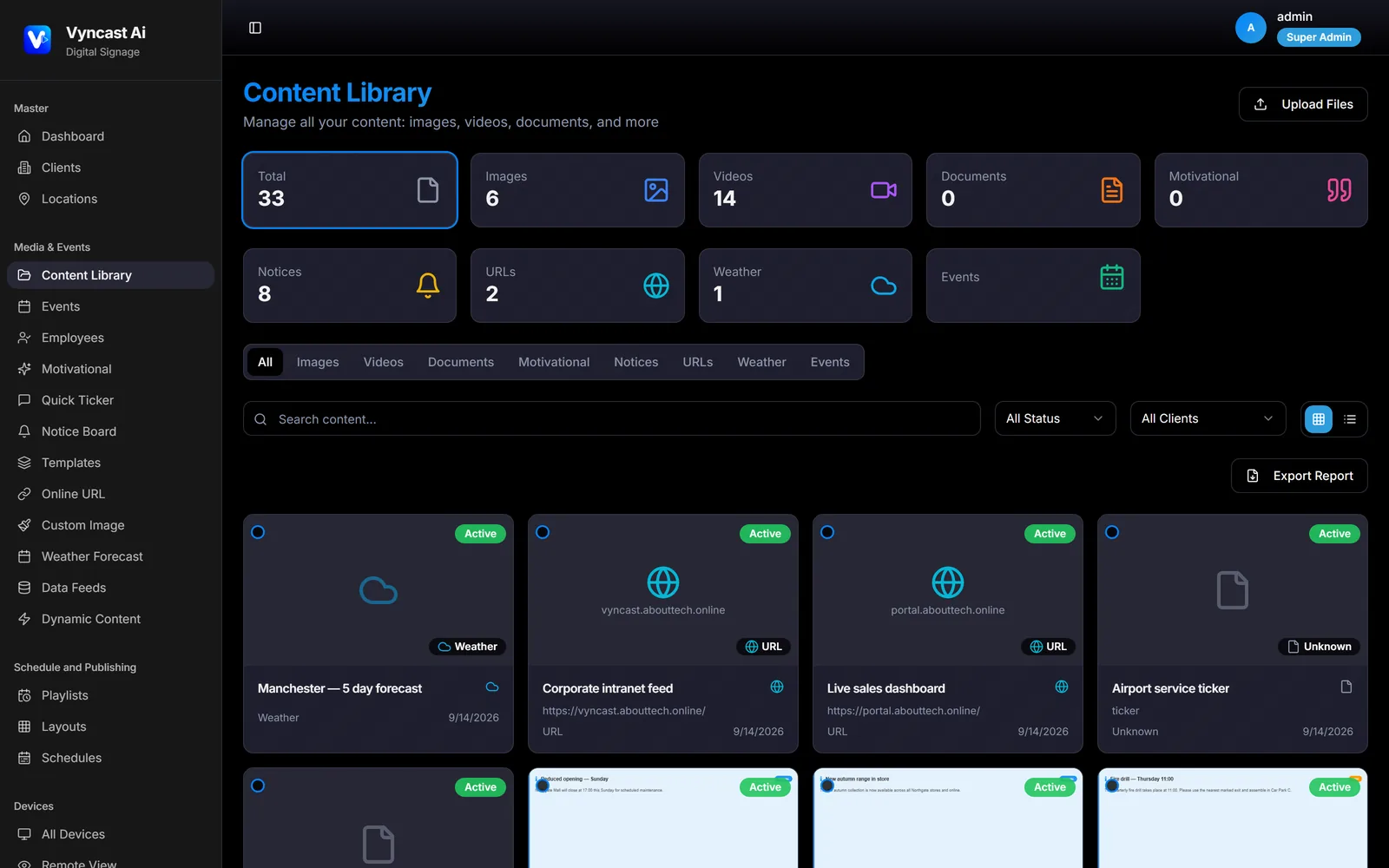
Everything that belongs on a screen, managed in one library — and reusable across every site you run.
Set it once and let it run. Breakfast menu until eleven, lunch offer at noon, evening promotion after five — on the screens you choose, on the days you choose.
Different content at different hours, automatically.
See what is scheduled across the whole network at a glance.
A campaign can take precedence without rebuilding the schedule.
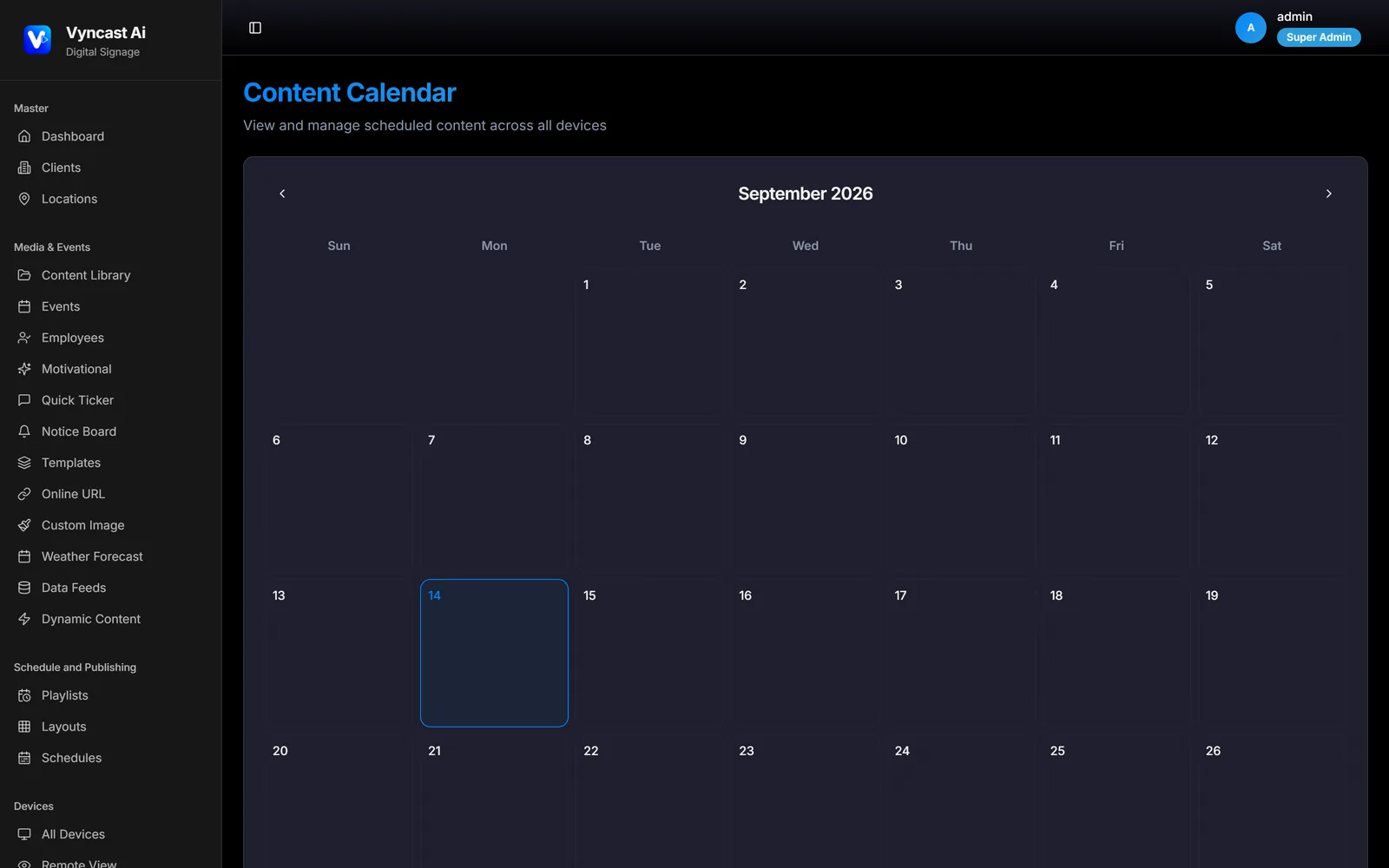
One account runs a distributed screen network. Group by site, city or brand, and give each manager access to only what they are responsible for.
The most expensive signage failure is the silent one — a display frozen on last week's promotion, or quietly switched off at the wall. Vyncast tells you before a customer does.
Pull a real capture from any player and see exactly what is on the glass.
Miss a few check-ins and the screen is flagged automatically.
Overheating players and full storage surface before they blank a screen.
Content lives on the screen, not just in the cloud. Lose the connection and playback carries on exactly as scheduled — then catches up on its own.
Unreachable
Running from local storage
The controls that matter once a screen network stops being a side project.
Split any display into zones — video in one, a menu in another, a live ticker along the bottom and a clock in the corner. Build it once, apply it to every screen that needs it.
Take over every screen instantly with a safety notice or announcement, then return to normal in one click.
Nothing reaches a screen until the right person signs it off.
Give each team access to only the screens and features they need.
Restart a player, change volume or push content without leaving your desk.
Uptime trends, content distribution, media usage and activity logs — plus a record of what each screen actually played, and when.
Drive prices, stock levels or queue numbers from an uploaded file or a live feed. Update the data, not the design.
Wherever a display has a job to do, Vyncast runs it.
Menu boards that change by daypart, with prices driven from your own data.
Promotions, pricing and window displays pushed to every branch at once.
Reception, meeting rooms and factory floors kept on one message.
Departure boards and wayfinding at sites where connectivity is unreliable.
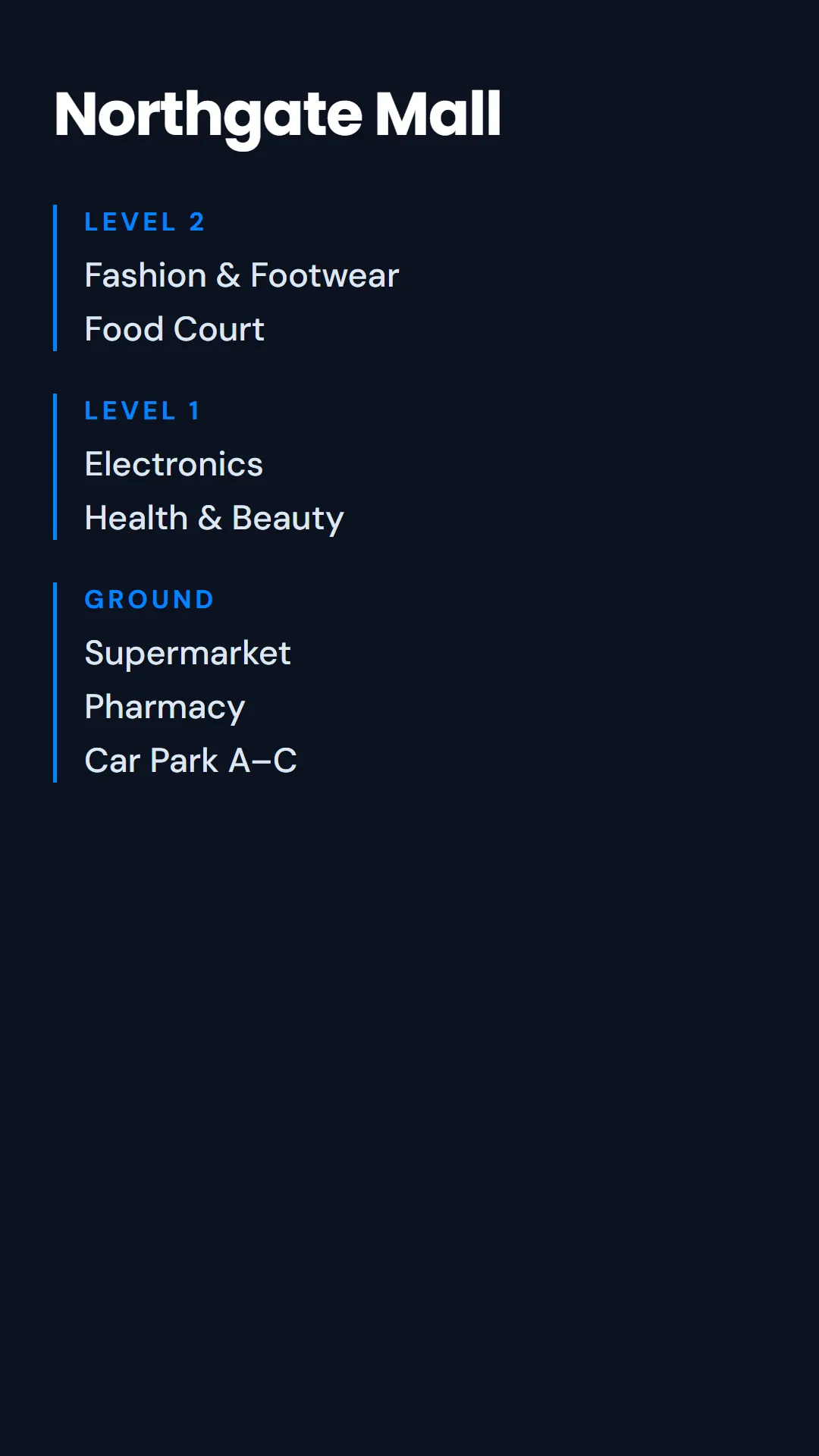
Campus notices, timetables and wayfinding across every building.
Waiting room information, queue calling and staff communications.
Start free, add screens as you grow. Priced per screen per month, with no setup fees and no hardware lock-in — and consistently below the established platforms.
Best for trying Vyncast on a few screens
Best for managing signage across multiple screens
Best for multi-site networks that need monitoring
Best for advanced security and control needs
All plans include offline playback, unlimited content storage and support.
Comparable plans start at $8–$20 per screen elsewhere.
Digital signage software lets you manage what appears on screens across your business from one place. You upload content, arrange it into playlists and layouts, decide when and where it plays, and the software delivers it to each display automatically.
A standard Android media player, Windows PC or Linux box behind any commercial display or TV. There is no proprietary player to buy from Vyncast, and in most cases you can keep hardware you already have installed.
The screen keeps playing. Content is stored on each device rather than streamed, so scheduled playback continues through the outage. When the connection returns the player checks in, reports what it played and downloads anything new.
From a single display to a network across multiple countries. Screens are grouped by location and region, and staff can be given access to only the sites they manage.
Yes. Vyncast supports white-label deployments for resellers, integrators and agencies, with each client fully isolated and pricing you control.
Most customers have their first screen live the same afternoon. Install the player, pair it with a code, upload content and set a schedule.
Start free in minutes, or let us show you the platform running on a real screen network.